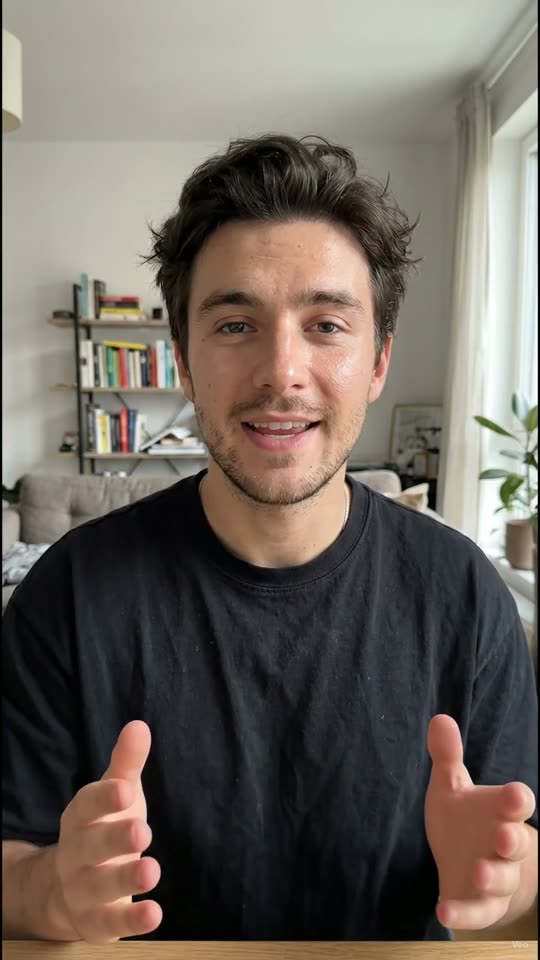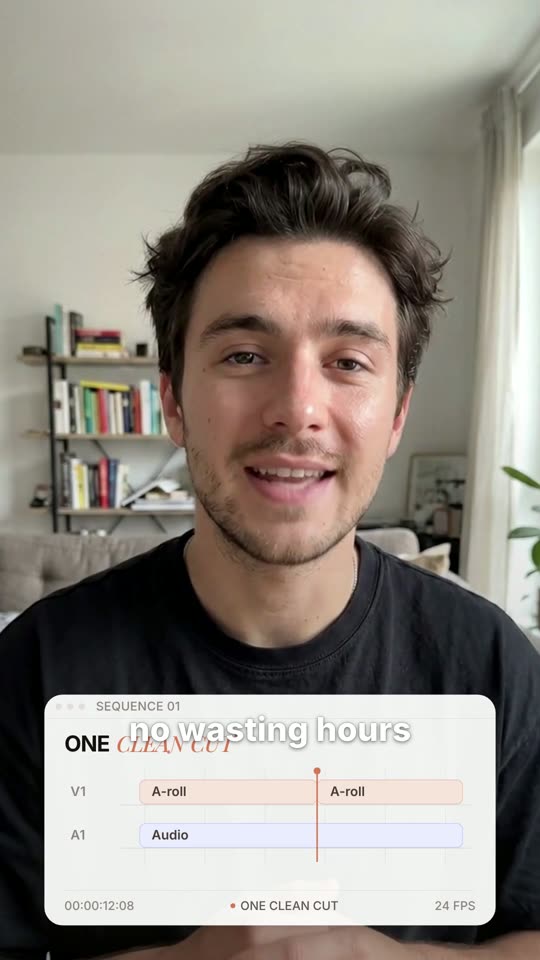
Raw take in.
Edited video out

The AI editor for UGC creators. Upload a raw recording and get it back cut, captioned and ready to post.

Raw uploadStraight from the phone
OneCut editCut, captioned, graphics in
Watch the agent work

Every edit, done for you

Retakes and mistakes come out, filler words and silences go, then captions and motion graphics go in.

Projects / talking_head_RAW.mov
Uploaded
Raw · 04:12
Timeline04:12
Video
Retake
1.8s
um
Mistake
2.4s
like
Captions
Graphics
Hook titleArrowPunch-in
One upload replaces
  • Scrubbing for retakes
  • Cutting every “um”
  • Trimming dead air
  • Typing out captions
  • Keyframing graphics
What it does

Everything an editor does,
in one pass

OneCut edits the whole video, from the first cut to the last caption, so nothing is left for you to finish in another app.

00:04So today I wanna show you the— hold on.Retake
00:11So today I want to show you three hooks that, uh, wait, let me redo that.Mistake
00:19Here are three hooks that actually convert.Kept
Retakes and mistakes

Keeps your best take

Said it three times? OneCut finds the repeats and stumbles and keeps the clean one.
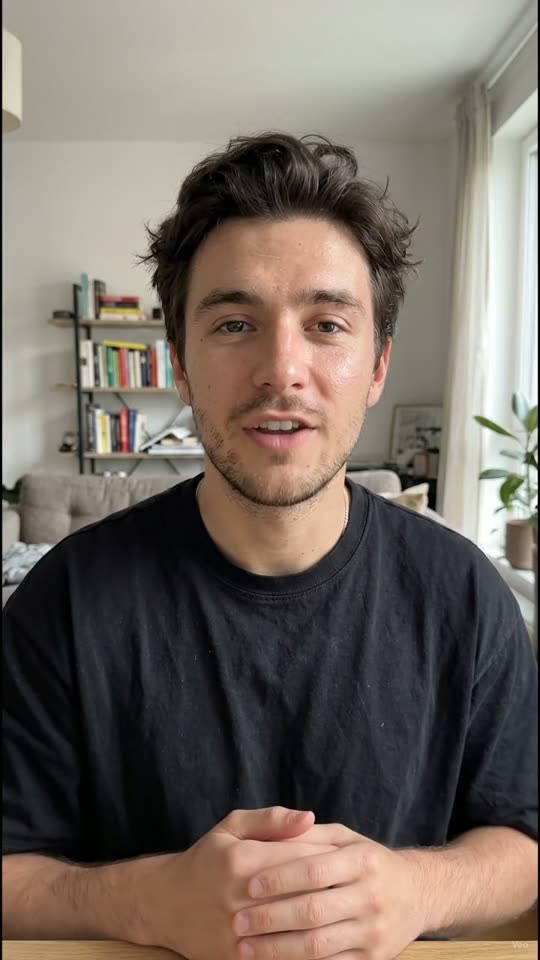
Soum,thisserumislike,theonething2.1sIactuallyuseyou know,everymorning.1.6sUh,here’swhy.

4 filler words3.7s of silenceRemoved
Filler words and silence

Cuts the ums and the dead air

Word-level cuts on filler words and long pauses, without making you sound rushed.

Stopscrolling,this
HighlightBoxedPop
Captions

Captions that move with your voice

Word-by-word captions synced to your speech, in a style that fits your feed.

Sam ReyesSkincare, no filter
DAY14
link in bio
  • Lower third
  • Punch-in zoom
  • Arrow callout
  • Kinetic text
  • Sticker
Motion graphics

2D motion graphics, placed for you

Titles, lower thirds, arrows, zooms and stickers, timed to what you are saying.

Make the hook punchier and zoom in when I say “three”.
Done. Trimmed 1.2s from the intro and added a punch-in at 00:03.
zoom
Editing agent

Change anything by asking

Tell the agent what to fix in plain words. It re-cuts the video for you.

Reference
my take
Your video
  • Caption font and color
  • Cut pace: fast
  • Zoom on key words
  • Graphic style
Style copy

Copy the style of any video

Drop in a video you like. OneCut matches its captions, pacing and graphics on yours.

Edit styles

Pick a look, or create your own

Start from a ready-made style, or create your own by uploading a video you love and OneCut copies its captions, pacing and graphics.

How it works

Raw footage to ready-to-post
in three steps

  1. 01

    Upload your raw video

    Drop in the recording straight from your phone. Every take, every pause, as is.

  2. 02

    The agent edits it

    OneCut cuts the mistakes and fluff, then adds captions and motion graphics.

  3. 03

    Download and post

    Get a vertical, full-quality video with no watermark, ready for TikTok, Reels and Shorts.

Why OneCut

OneCut versus the usual way

An editor’s work in minutes, for $29.90 a month. The hours you used to spend editing go back to making content.

FeatureOneCutEditing appsFreelance editor
Monthly cost$29.90$49.90$500+
Time to an edited videoMinutesHoursDays
Your time per videoMinutesHours of editingBriefs and reviews
Removes retakes and mistakes
Cuts filler words and silences
Word-synced captions
Motion graphics placed for you
Re-edit by asking in plain words
Copies the style of any video
No editing skills needed

Yes Partly or by hand No

Pricing

About $3 a video,
edited for you

Pro gets you ten finished videos a month, about $3 each, with cuts, captions, motion graphics and the editing agent included.

  • Cancel any time
  • No watermark on any export
  • Re-edit with the agent until it’s right
Pro
$29.90per month
  • 10 videos a month, up to 3 minutes each
  • Re-export any video for free
  • 100 AI credits a month for the editing agent
  • Copy the style of any video, 3 a month
  • Full-quality exports, no watermark
Edit your video

Videos and credits reset monthly and don’t carry over.

FAQ

Questions, answered

Something else? Open the app and ask, we read everything.

OneCut is an AI editing agent for UGC creators. You upload a raw talking-head recording and get back a finished video: cut, captioned and dressed with motion graphics.

Retakes, mistakes, false starts, filler words like “um” and “like”, and long silences. It keeps your best take and your natural rhythm.

Yes. Captions are synced word by word to your voice, and 2D motion graphics (titles, lower thirds, arrows, zooms, stickers) are placed where they fit what you are saying.

Ask the editing agent in plain words, like “make the intro shorter” or “zoom in on the product”. Agent requests use AI credits, and the Pro plan includes 100 a month.

No. OneCut cuts at word boundaries and keeps short natural pauses, so it removes the fluff and leaves your delivery alone.

No. OneCut edits footage you recorded yourself. Your face, your voice, your take, just edited.

Talking-head videos for TikTok, Reels and Shorts: UGC ads, product reviews, tutorials, storytimes and vlogs. The Pro plan covers videos up to 3 minutes.

No. OneCut runs in your browser at app.onecutpro.com.

Your posting loop

Stop editing.
Start posting

Record it once, upload it, and post the finished video the same day. Then do it again tomorrow.

  1. 1Record
  2. 2Upload
  3. 3OneCut edits
  4. 4Post
Edit your videoPro · $29.90/month · cancel any time